| .cursor/rules | ||
| .github/workflows | ||
| public | ||
| scripts | ||
| src | ||
| .gitignore | ||
| .nvmrc | ||
| jest.config.js | ||
| jest.setup.js | ||
| jsconfig.json | ||
| netlify.toml | ||
| next.config.js | ||
| open-next.config.ts | ||
| package.json | ||
| pnpm-lock.yaml | ||
| postcss.config.mjs | ||
| README_zh.md | ||
| README.md | ||
| tailwind.config.js | ||
| wrangler.jsonc | ||


Welcome to my AI-assisted web development project! Despite having minimal frontend knowledge (just a bit of HTML and CSS), I've managed to create some interesting components with the help of Claude 3.5 and GPT-4. More recently, I've also started using GPT-5.2 and GPT-5.3 in daily development workflows. I've integrated these components into this showcase site. Feel free to explore and experience it yourself!
I must say, AI has truly transformed the way we write code.
Project Overview
This project is built using React and Nextjs for static site generation (SSG) and is deployed on Netlify. It features automatic sitemap generation, Google Analytics integration, and i18n support for internationalization. Currently, the gallery includes several interesting components, and I plan to continually add more with AI assistance.
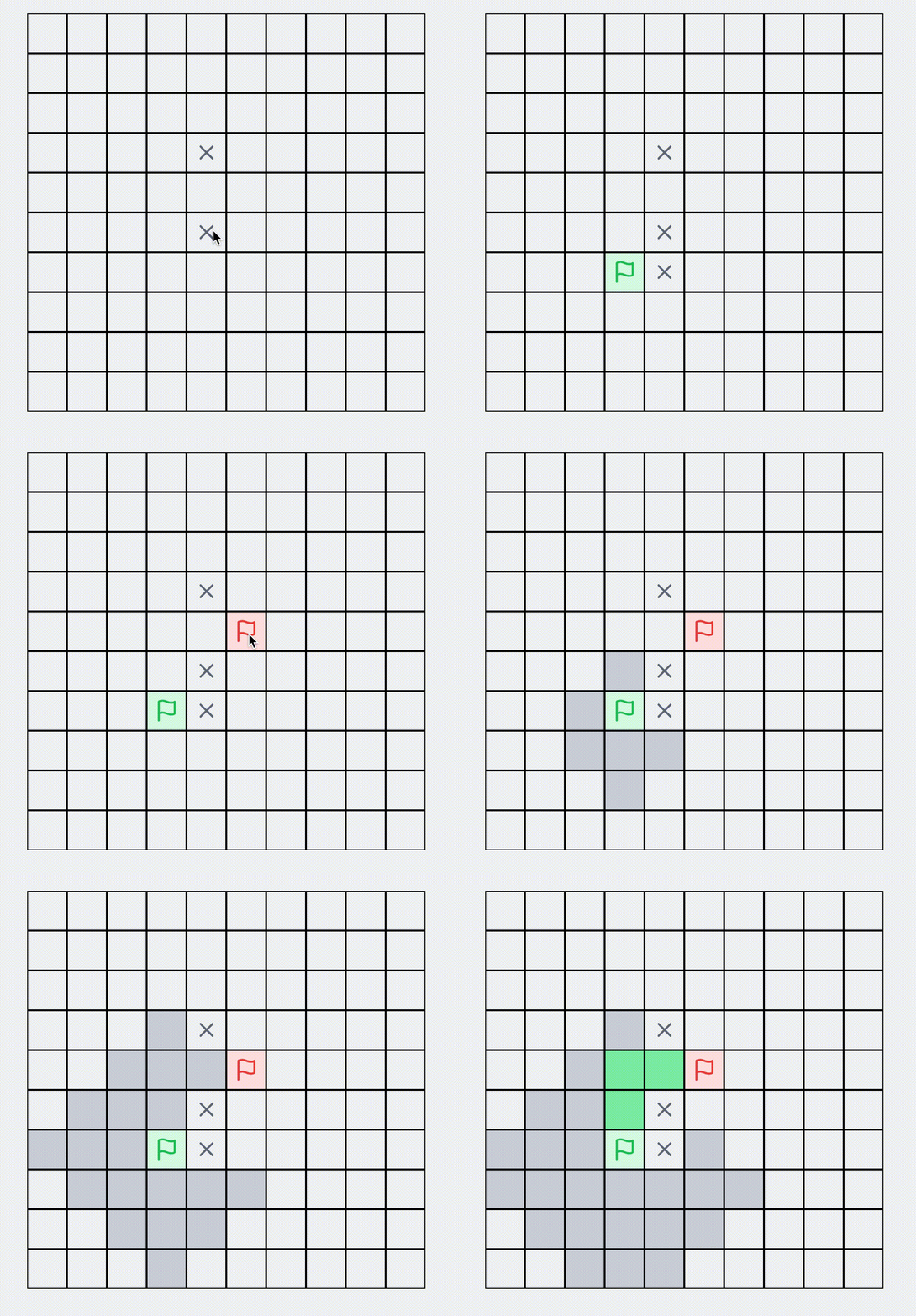
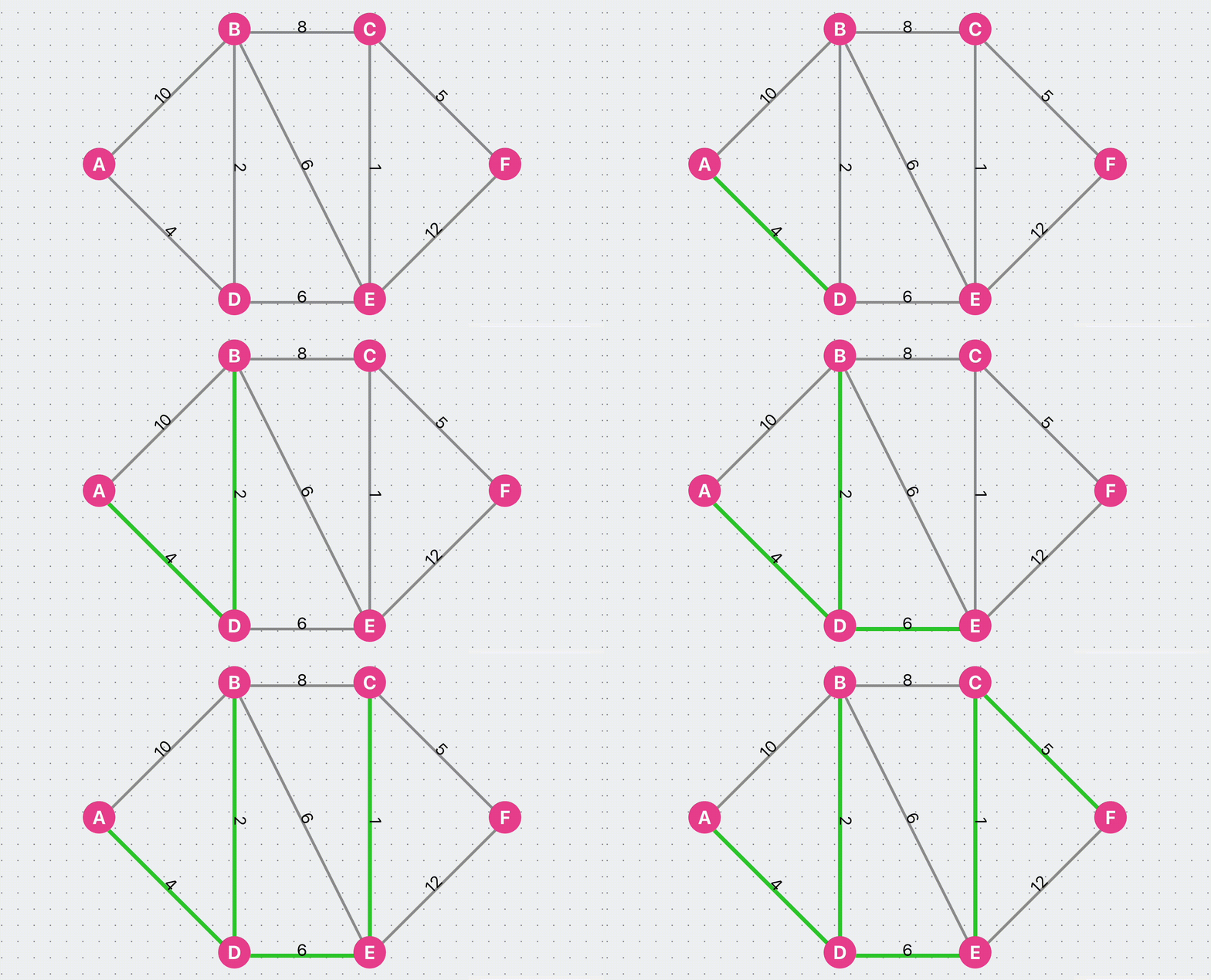
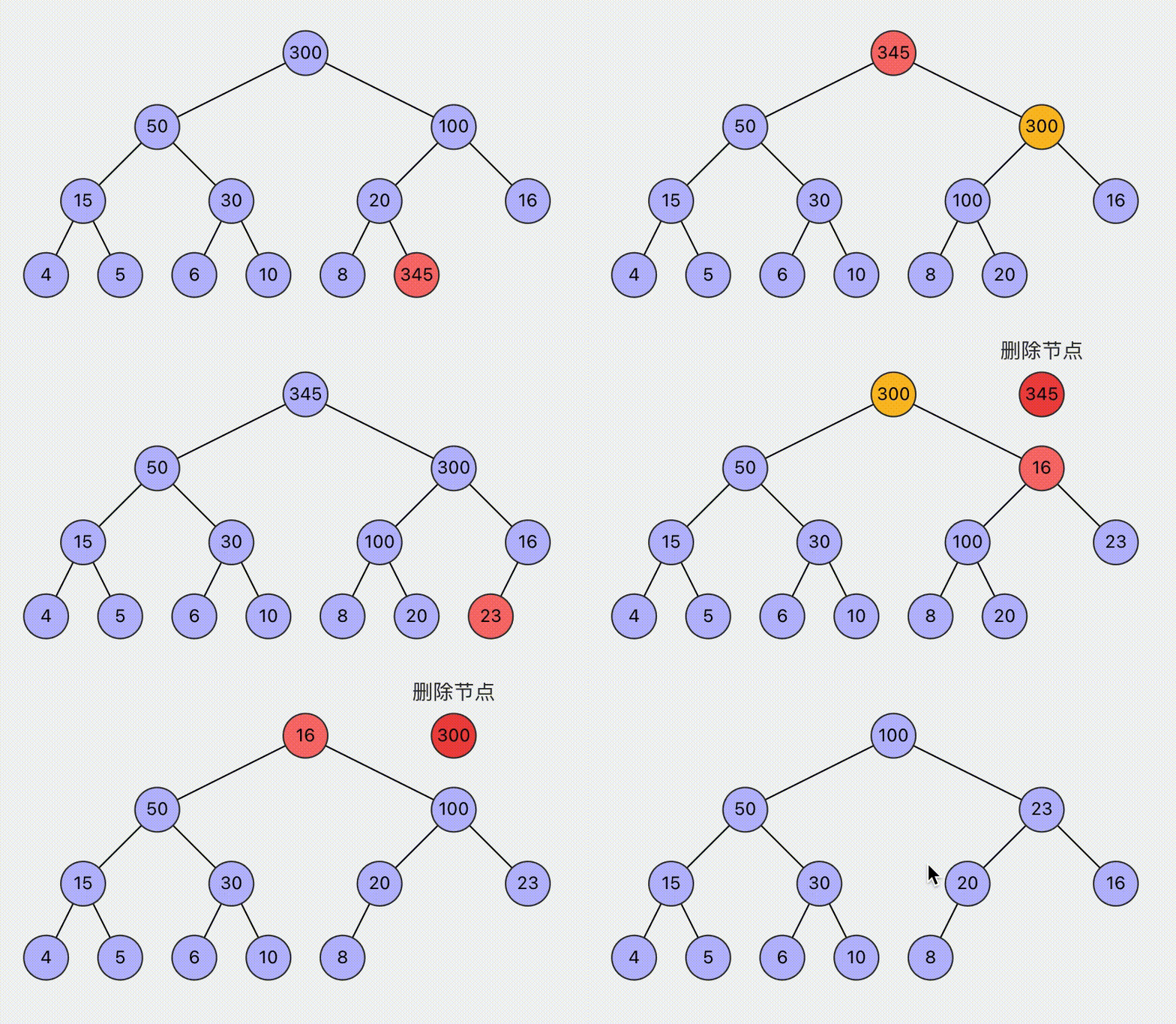
Algorithms: Explore interactive visualizations of classic algorithms such as BFS pathfinding, A* search, Dijkstra's algorithm, and heap operations.

Games: Implementation of classic games like Gomoku (Five in a Row), Chinese Chess, Tetris, and 2048.
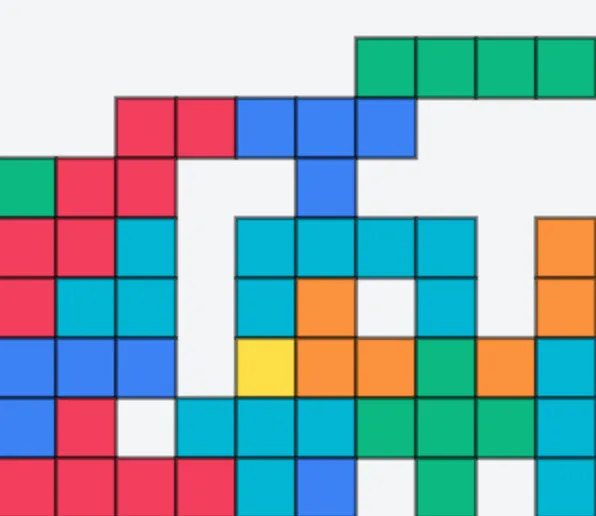
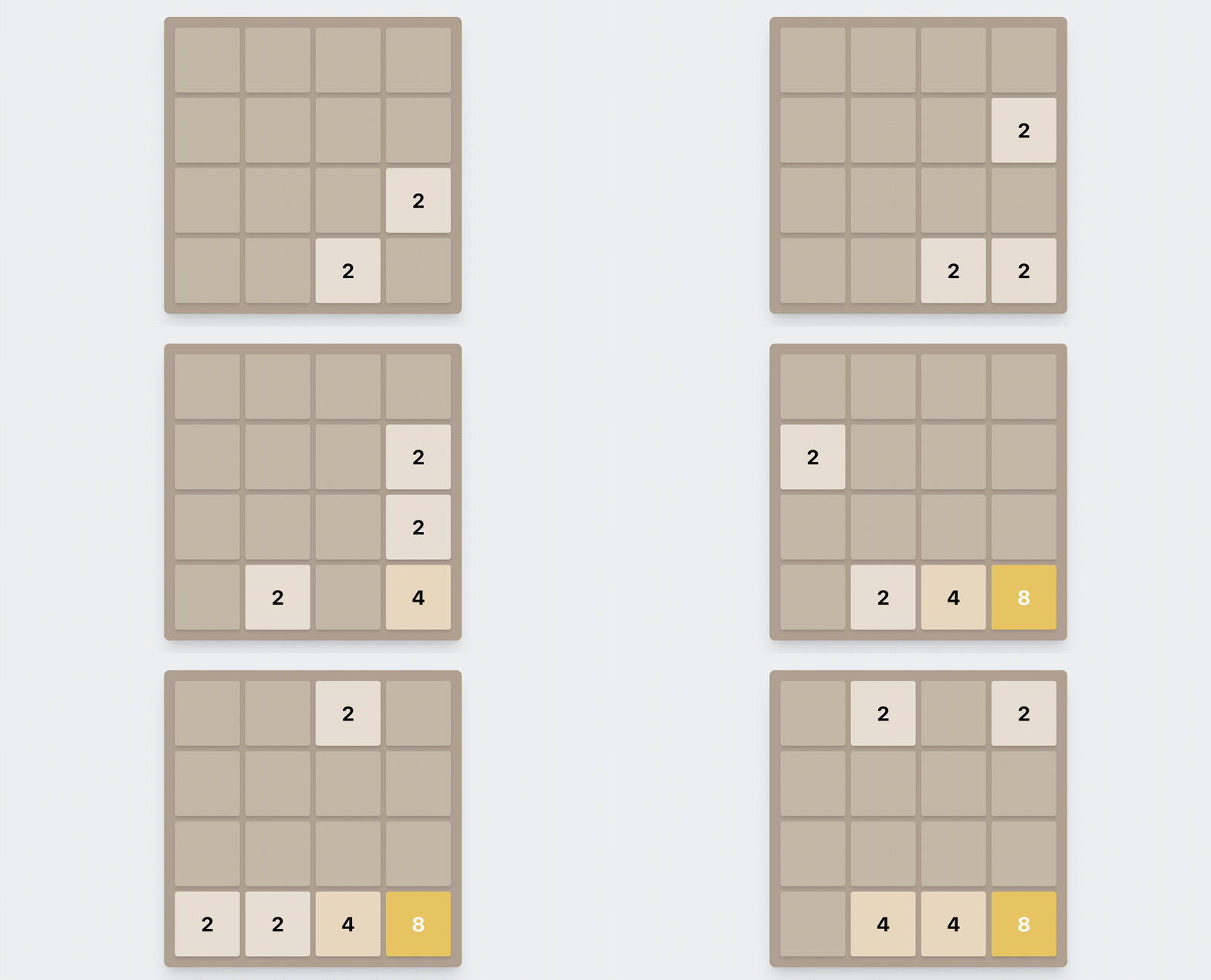
Other Components: Various interesting widgets, including dynamic charts for data visualization.
Local Development
Everyone is welcome to contribute to improving these components. Don't worry if you lack a frontend technical background – you can leverage AI to bring your ideas to life! Here are the simple steps to run this project locally:
Prerequisites: Node.js 22+ and pnpm 9+.
- Clone the repository:
git clone git@github.com:selfboot/ai_gallery.git - Navigate to the project directory:
cd ai_gallery - Install dependencies:
pnpm install - Start the development server:
pnpm dev - Open your browser and visit
http://localhost:3000to view the project.
If you encounter any issues along the way, try using AI to solve them!
Reflections on Using AI
As a novice with no web development experience, I've learned a lot of practical frontend knowledge through AI-assisted development of this project. It's been incredibly fulfilling to finally create the visualizations I've always wanted to make.
- Learning Opportunity: AI assistance helped me quickly understand aspects of React, JavaScript, and modern web development practices.
- Problem Solving: While AI played a crucial role in many aspects, there were still issues that required human intervention to resolve.
The Impact of AI
GPT-4 and Claude 3.5 have proven to be fully capable virtual mentors and pair programming partners. Even without prior React development experience, they helped me quickly grasp React concepts, implement complex logic, create appealing UIs, and understand underlying principles. They are excellent programming assistants, rapidly introducing best practices, design patterns, and optimization techniques. They help solve various challenging problems, truly earning the title of best mentors.
Limitations of AI
AI still has some hallucinations and limitations in reasoning ability. Sometimes AI-generated code contains bugs or doesn't fully meet project requirements, and sometimes the explanations provided aren't clear enough. In these situations, you need to debug and solve problems on your own.
AI-Human Collaboration
The most effective approach is to use AI as a collaborative tool, combining its vast knowledge with personal creativity and project-specific understanding to complete interesting work faster and better.
Comparing GPT-4 and Claude 3.5
These are personal opinions and for reference only. Both AI models played important roles in this project, each with its own strengths. I typically use Claude 3.5 for quick prototyping and GPT-4 for solving detailed issues.
- GPT-4: Excels at providing detailed explanations and handling complex, multi-step tasks. For issues where I have a general understanding of the cause, GPT-4 often provides good code and explanations when given detailed prompts.
- Claude 3.5: Performs exceptionally well in code generation and refactoring. Given a simple requirement description, it often quickly produces a good prototype. Its responses are usually concise and directly applicable, making it great for rapid implementation and bug fixing.
Current AI Setup
In addition to the earlier models above, I now also use newer models and coding tools in day-to-day work:
- GPT-5.2 / GPT-5.3: Used for deeper reasoning, architecture discussions, and more complex implementation tasks.
- Codex CLI: My terminal-first coding workflow for repository edits, refactors, and command-driven development.
- Claude Code CLI: Used as another CLI coding partner for implementation comparisons and alternative solutions.
- Cursor: My IDE-based AI workflow for interactive editing, quick iterations, and in-editor code conversations.