mirror of
https://github.com/bitwarden/clients.git
synced 2026-07-13 21:19:12 +08:00
Bitwarden client apps (web, browser extension, desktop, and cli).
bitwarden.com
|
|
||
|---|---|---|
| .github/workflows | ||
| jslib@ca61e13b57 | ||
| src | ||
| store | ||
| .editorconfig | ||
| .gitignore | ||
| .gitmodules | ||
| CONTRIBUTING.md | ||
| crowdin.yml | ||
| gulpfile.js | ||
| ISSUE_TEMPLATE.md | ||
| karma.conf.js | ||
| LICENSE.txt | ||
| package-lock.json | ||
| package.json | ||
| README.md | ||
| SECURITY.md | ||
| tsconfig.json | ||
| tslint.json | ||
| webfonts.list | ||
| webpack.config.js | ||


Bitwarden Browser Extension





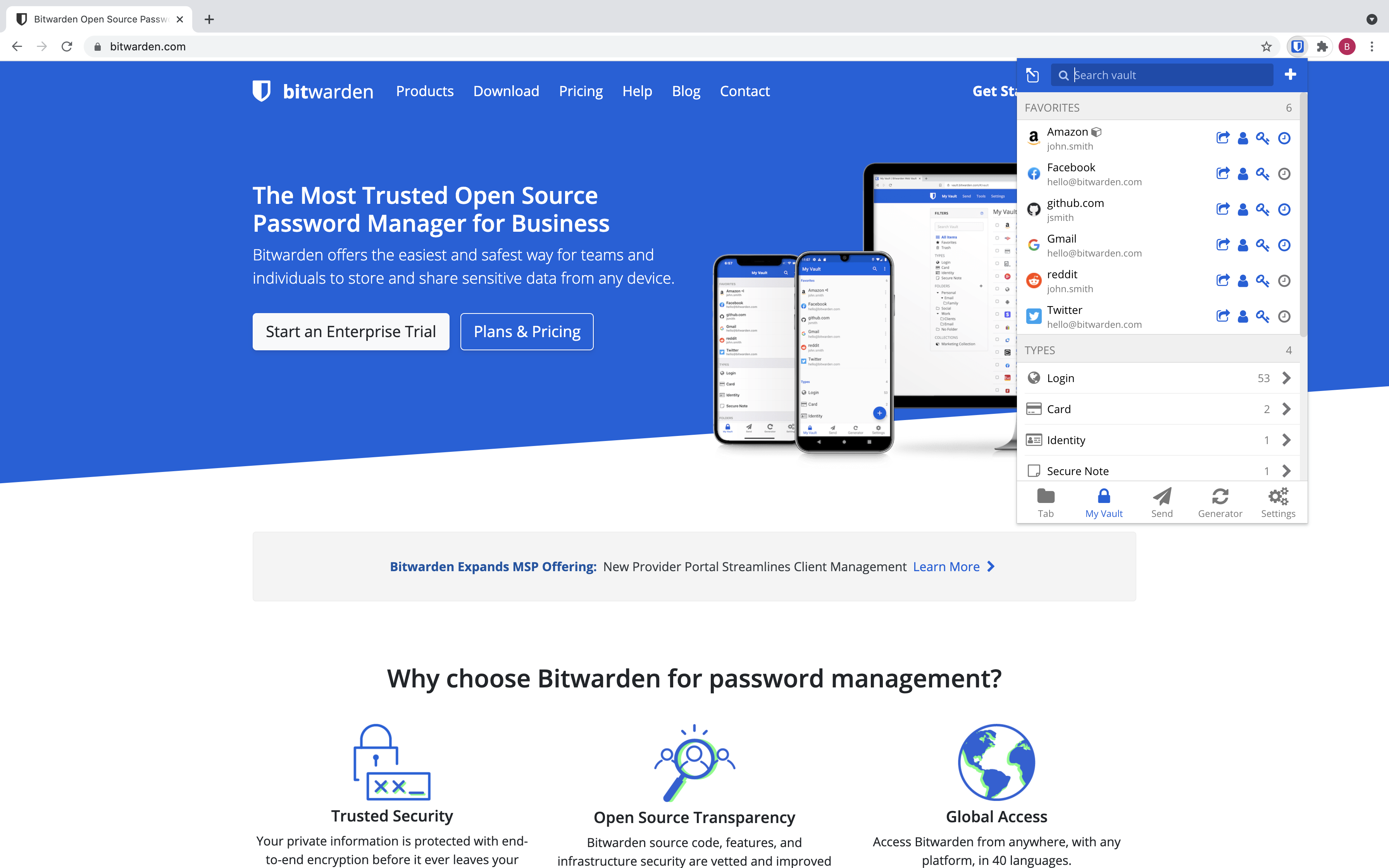
The Bitwarden browser extension is written using the Web Extension API and Angular.
Build/Run
Requirements
- Node.js v14.17 or greater
- NPM v7
- Gulp (
npm install --global gulp-cli) - Chrome (preferred), Opera, or Firefox browser
Run the app
npm install
npm run build:watch
You can now load the extension into your browser through the browser's extension tools page:
- Chrome/Opera:
- Type
chrome://extensionsin your address bar to bring up the extensions page. - Enable developer mode (toggle switch)
- Click the "Load unpacked extension" button, navigate to the
buildfolder of your local extension instance, and click "Ok".
- Type
- Firefox
- Type
about:debuggingin your address bar to bring up the add-ons page. - Click the
Load Temporary Add-onbutton, navigate to thebuild/manifest.jsonfile, and "Open".
- Type
Contribute
Code contributions are welcome! Please commit any pull requests against the master branch. Learn more about how to contribute by reading the CONTRIBUTING.md file.
Security audits and feedback are welcome. Please open an issue or email us privately if the report is sensitive in nature. You can read our security policy in the SECURITY.md file.